Wallpaper
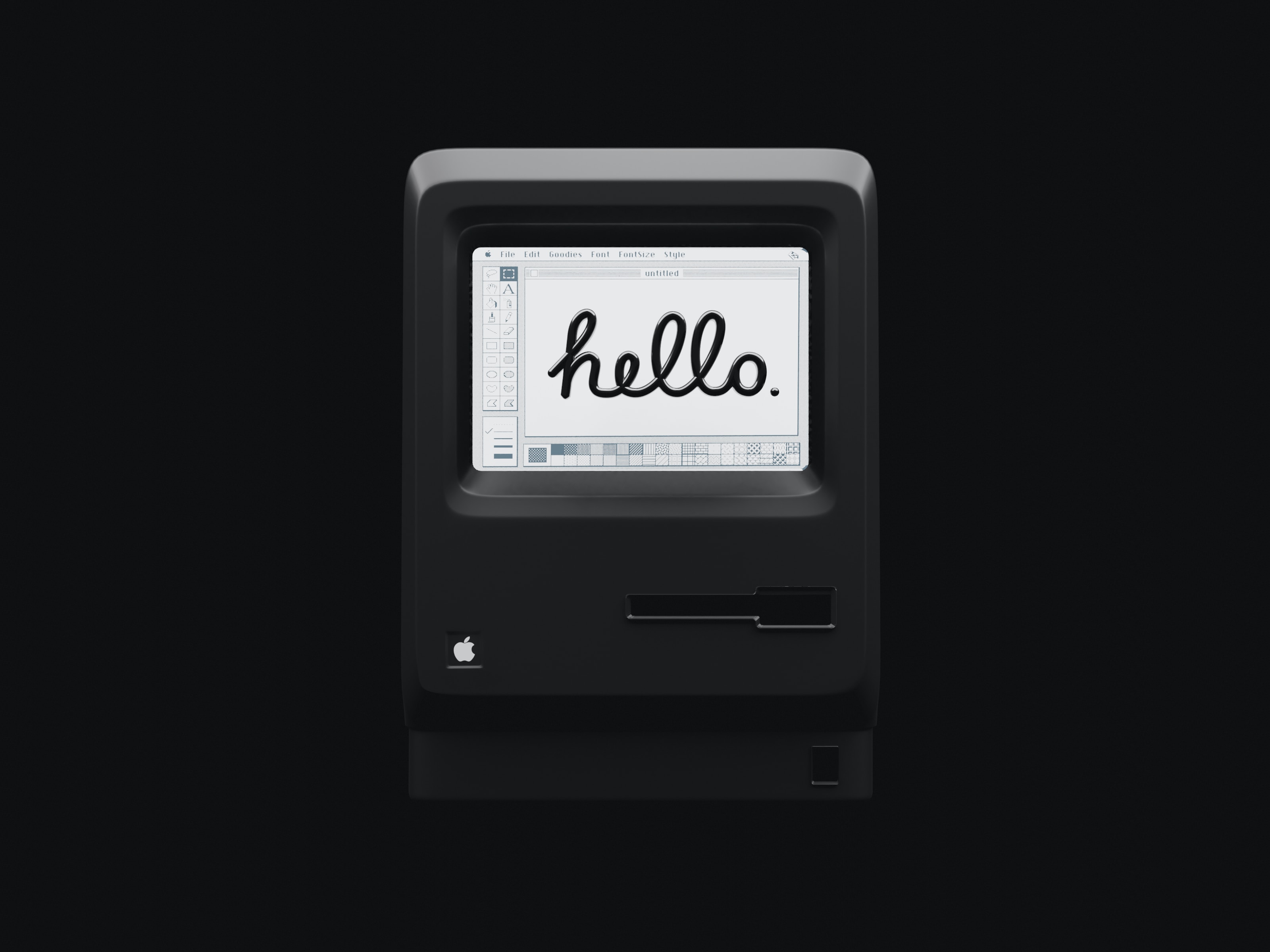
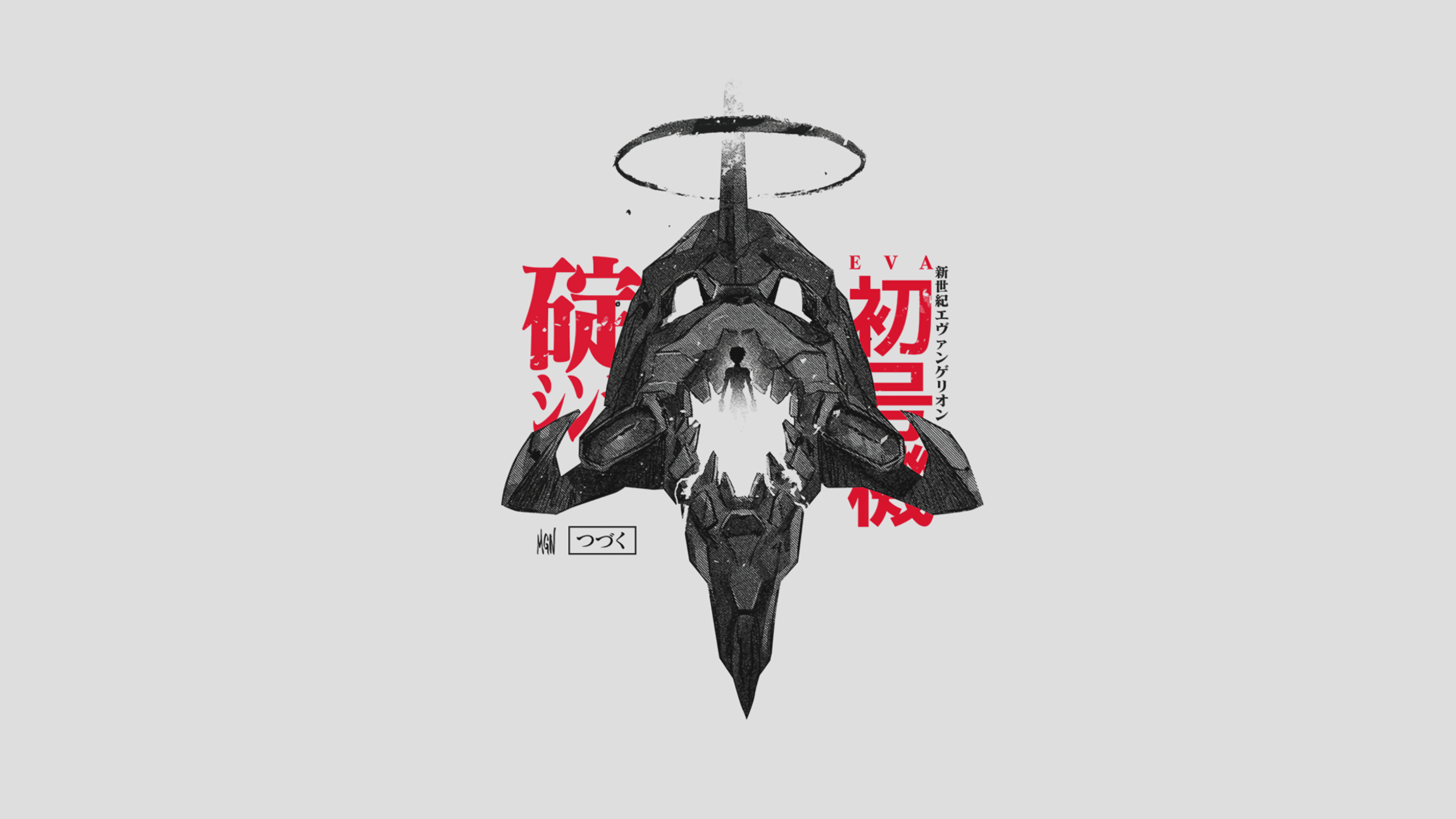
Six full-screen starting points, curated to carry the whole setup.
Recolor brings wallpaper, appearance, folders, and Desktop icons into one coordinated look — then lets you undo it whenever you want.
One-time purchase. Current and future updates and theme packs included.
Ready for macOS Tahoe and beyond · requires macOS Sonoma 14 or later.
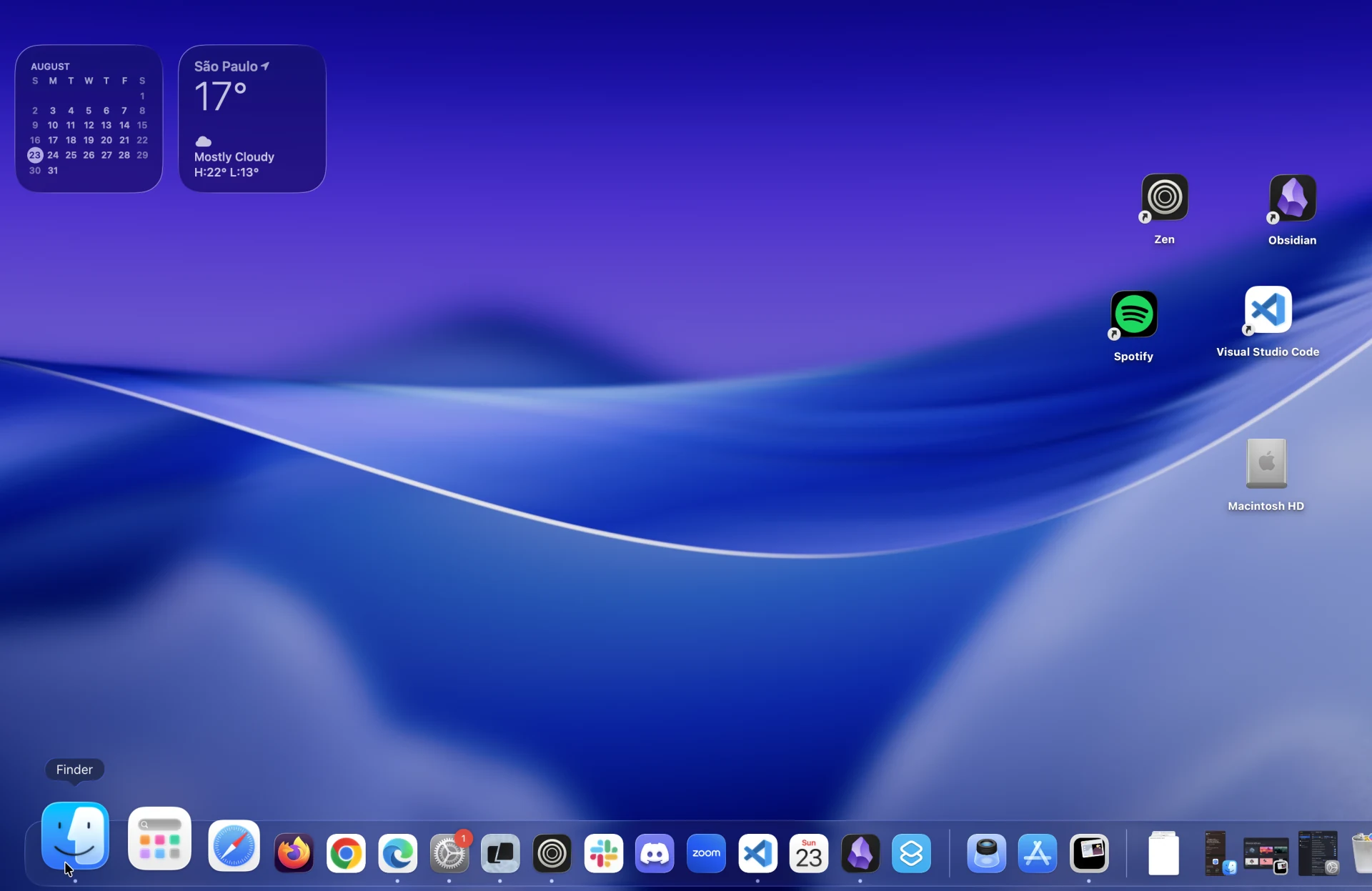
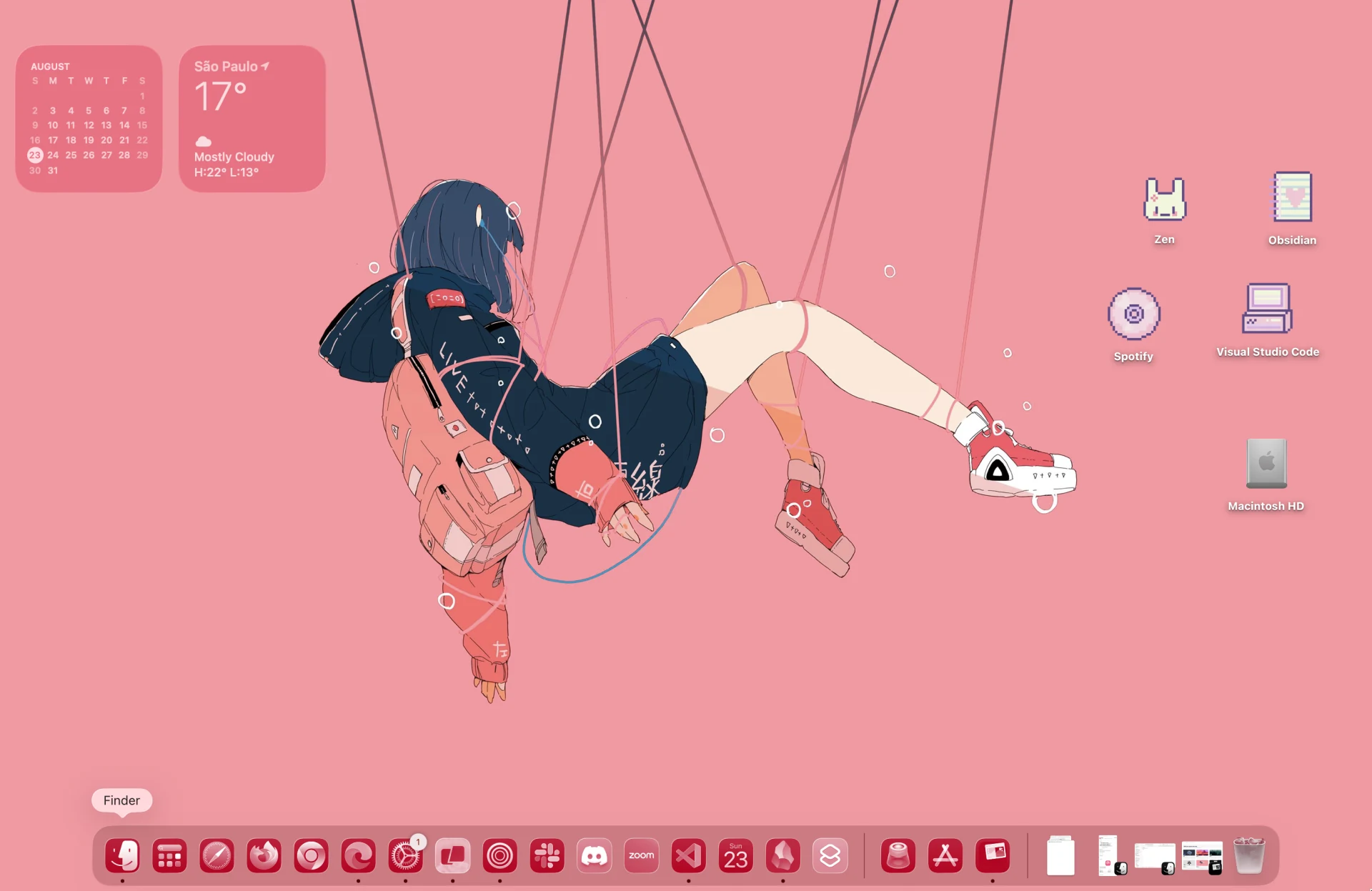
Six full-screen starting points, curated to carry the whole setup.
Recolor aligns what it can and clearly guides you through what macOS keeps in Settings.
Import your own icons for visible Desktop folders, files, and aliases.
Every Recolor change begins with a snapshot, so experimentation stays safe.




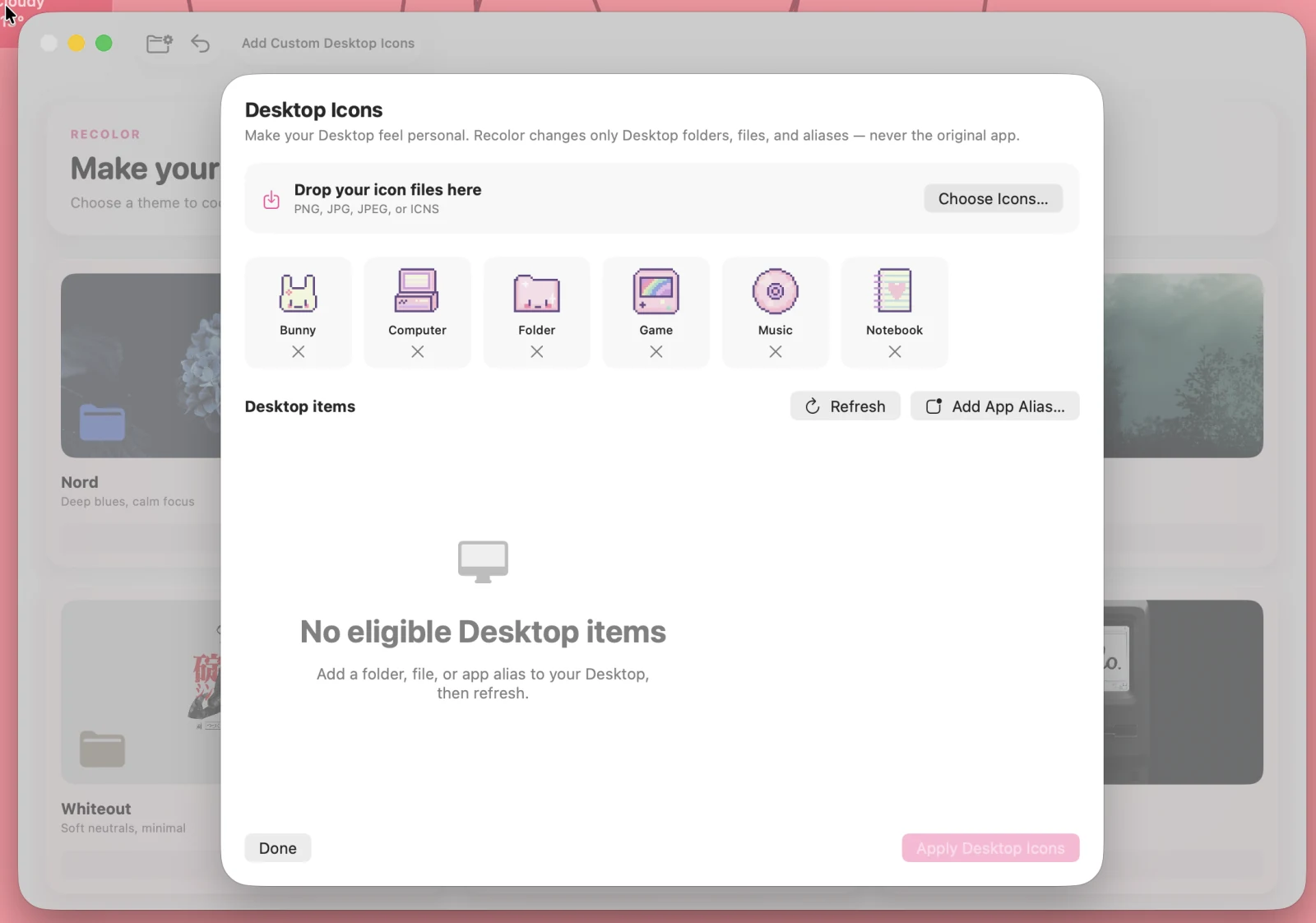
Upload the icon files you love. Recolor applies them to your Desktop folders, files, and Finder aliases — never the original app bundle.

Pay once. Get the full app, every current theme, and future Recolor updates and theme packs at launch.
Direct macOS download after secure Stripe checkout.